You do not need an accountant's toolkit to run a small business well. You need a handful of numbers, checked regularly: will we have enough cash next month, are we spending what we planned, how many sales cover our costs, who owes us money. Each of those questions has a simple spreadsheet that answers it.
Here are ten, what each one is for, and when to use it. All of them are free on CREATEFOR.YOU: you fill in the numbers in your browser, check the results, and download an Excel-compatible XLSX with working formulas.
Key takeaways
- Cash flow comes first: profitable businesses still fail when cash runs out.
- Check budget against actual every month, while there is still time to act.
- Know your break-even before changing prices, and your margin before offering a discount.
- Chase receivables by age: the older an invoice, the less likely it is to be paid.
- A template only helps if you update it. Put a date in the calendar.
1. 12-month cash flow forecast
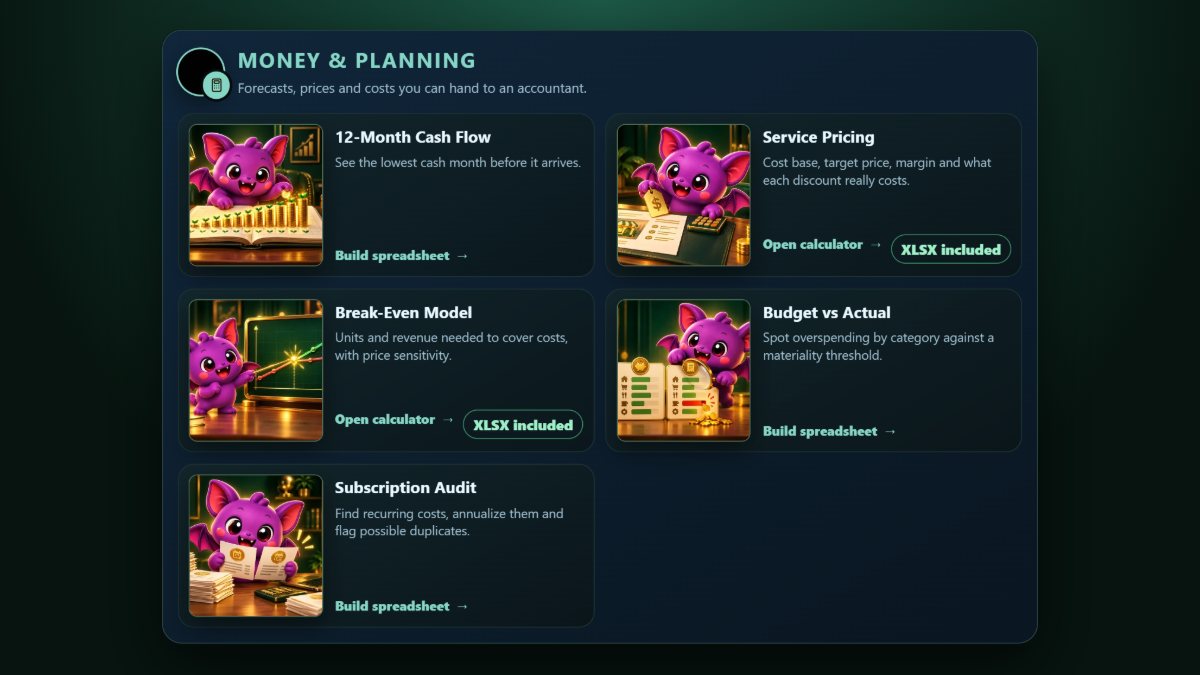
Money in and money out, month by month, with the running balance. Its job is to show your lowest cash month before it arrives, so you can arrange a facility, delay a purchase or chase invoices in time. Use it monthly. Build a cash flow forecast.
2. Budget vs actual
What you planned to spend by category, what you actually spent, and the variance, with overspending flagged against a threshold you choose. Review it at each month end. Compare budget with actual.
3. Break-even calculator
How many units, or how much revenue, you need to cover fixed and variable costs, and what happens to that number if you change the price. Use it before setting or changing prices, and before taking on a new fixed cost. Work out your break-even.
4. Service pricing
For service businesses: price a project from real costs and a target margin, then see what each discount does to profit. A 10% discount on a 25% margin removes 40% of the profit, which is worth knowing before you agree to it. Price a project from costs and margin.
5. Accounts receivable aging
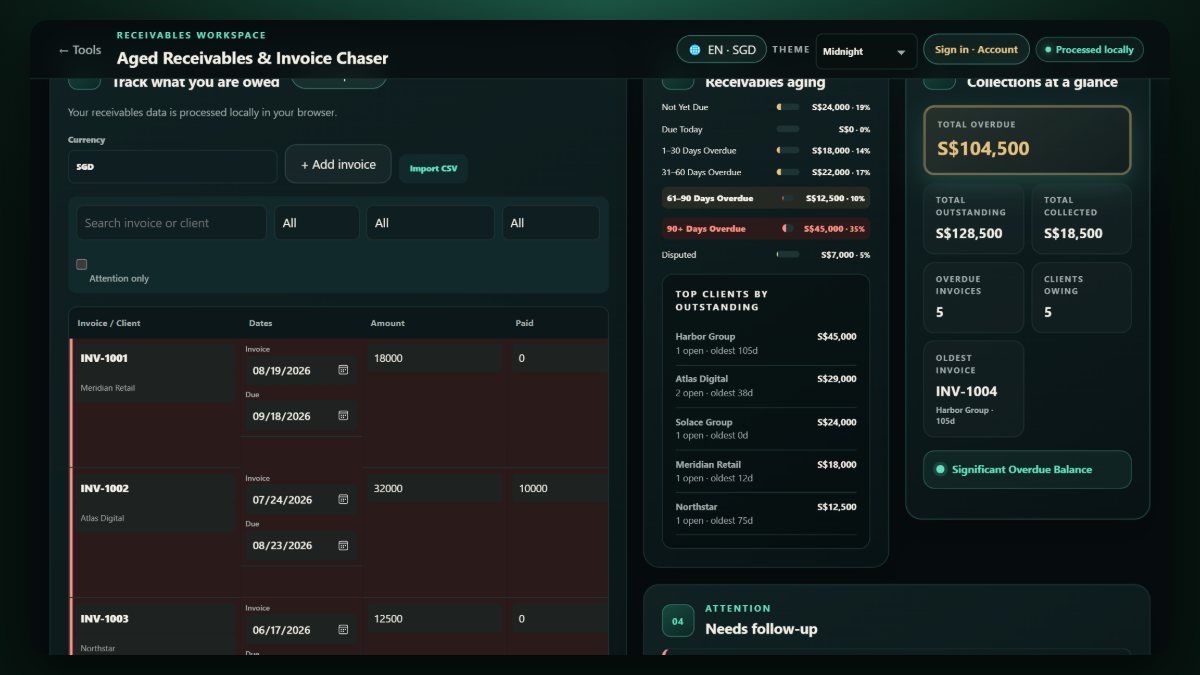
Who owes you what, grouped by how long each invoice is overdue, with polite chaser wording for each overdue invoice. Run it weekly if invoices matter to your cash flow. Track receivables and chase overdue invoices.
6. Sales pipeline and weighted forecast
Deals by stage, each weighted by its probability of closing, so the forecast reflects reality rather than hope. It also flags stale deals and slipping close dates. Track your sales pipeline.
7. Subscription audit
Import a CSV of card or bank transactions and find the recurring charges, what each costs per year, and possible duplicates. Most businesses find at least one tool nobody uses. Audit your subscriptions.
8. 90-day content calendar
Thirteen weeks of posts across your platforms, showing which weeks still need content. Planning a quarter at a time turns marketing from a daily scramble into a weekly routine. Plan a content calendar.
9. Hiring scorecard
Score candidates against weighted criteria with several interviewers, and see where the panel disagrees. Structured scoring makes hiring fairer and easier to explain. Build a hiring scorecard.
10. Data cleaner
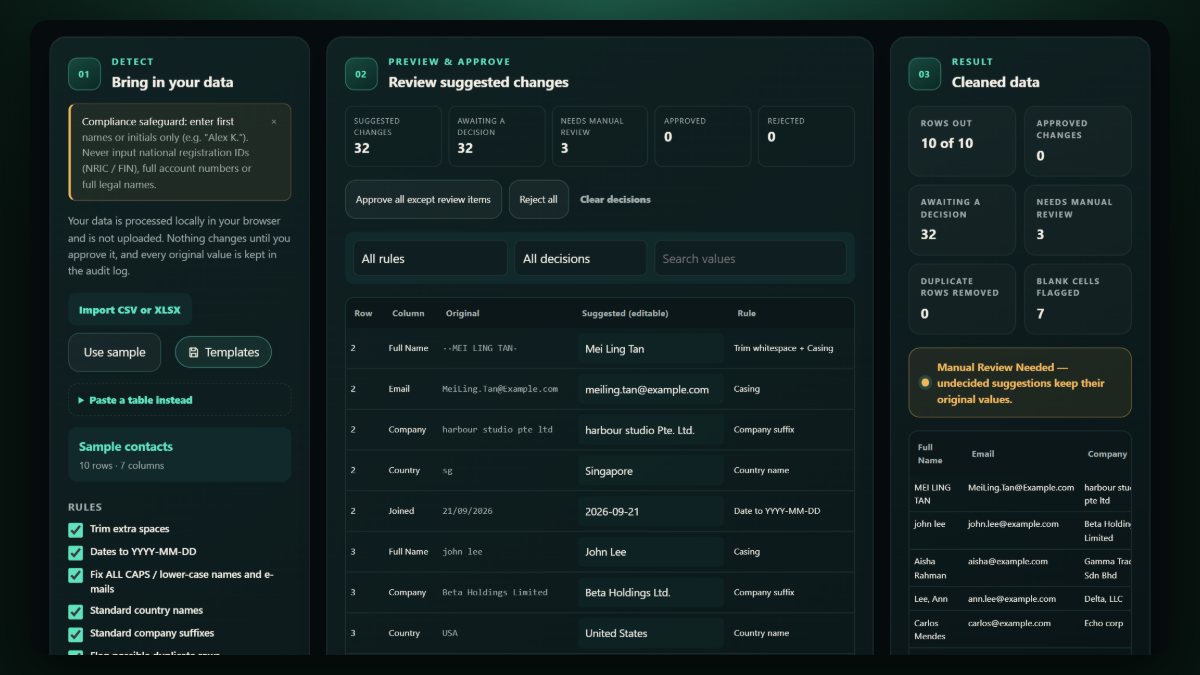
Before any of the above, the data often needs tidying: inconsistent dates, stray spaces, duplicate customers, "Pte Ltd" written five ways. Clean a CSV or XLSX in your browser, preview each change and approve it. Clean a messy spreadsheet.
A simple monthly routine
| When | Spreadsheet | Question it answers |
|---|---|---|
| Every week | Receivables, sales pipeline | Who do we chase? What will close? |
| Month end | Budget vs actual, cash flow forecast | Are we on plan? Is next month safe? |
| Every quarter | Subscription audit, content calendar | What can we cut? What do we post? |
| When deciding | Break-even, service pricing, hiring scorecard | Is this price, deal or hire right? |
Frequently asked questions
Do these templates work in Google Sheets?
Yes. The downloads are standard XLSX files, which open in Excel, Google Sheets, Numbers and LibreOffice.
Is my business data uploaded anywhere?
The generators run in your browser, and the figures you type are not sent to the server. See how CREATEFOR.YOU handles your data.
Which template should I start with?
The cash flow forecast. It answers the question that matters most, "will we have enough cash?", and it uses numbers you already know.