Teachers spend a large part of their week preparing material rather than teaching it: writing tests, formatting worksheets, planning the term around holidays and exams. Most of that is layout work, and layout work is exactly what a good generator should take off your hands, so the time goes into the questions and the explanations instead.
Here are three free tools on CREATEFOR.YOU that cover a large share of that preparation, and how to get the most out of each.
Key takeaways
- Write the questions; let the tool handle numbering, layout and the answer key.
- A shuffled Version B reduces copying without making a second test.
- Workbooks work best with a pattern: notes, a worked example, then practice.
- Plan the term backwards from assessments and holidays, then fill in the weeks.
1. Test paper maker
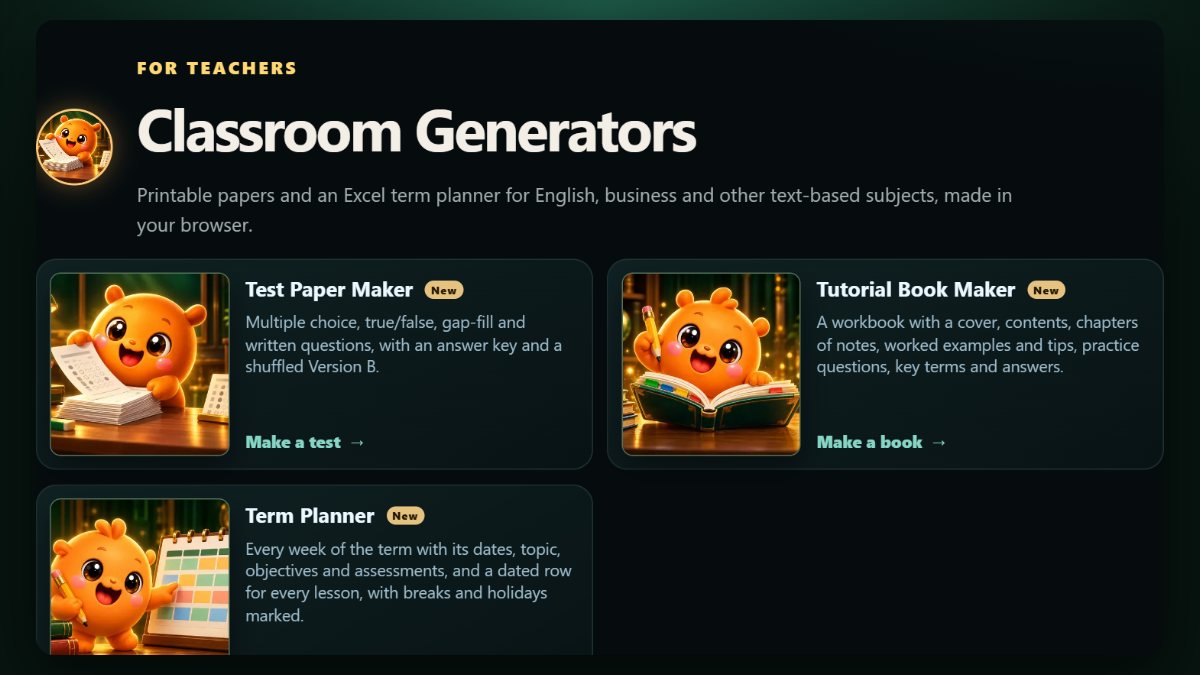
The Test Paper generator builds a printable test with multiple choice, true/false, fill-in-the-blank and written questions. It numbers everything, adds the marks, produces a separate answer key, and can create a shuffled Version B with the same questions in a different order.
Tips for better tests:
- Mix question types: multiple choice checks recall quickly, written questions check understanding.
- Put one or two easy questions first. A confident start helps weaker students show what they know.
- Check that no question gives away the answer to another.
- Use Version B in the same room; keep Version A for the class next door.
2. Student workbook maker
The Workbook generator makes a printable booklet: a cover, contents, chapters with notes, worked examples and tips, practice questions, key terms and answers. It suits revision packs, holiday homework and self-study units.
A structure that works for most subjects, chapter by chapter:
- A short explanation in plain language.
- One fully worked example, every step shown.
- A tip or common mistake to avoid.
- Three to six practice questions, from easy to harder.
- Key terms at the end, with answers at the back.
3. Term planner in Excel
The Term Planner lays out a school term as dated weeks with topics, objectives and assessments, marks breaks and public holidays, and adds a lesson-by-lesson plan. You download it as an Excel-compatible file you can keep editing.
Plan it in this order:
- Enter the term dates, holidays and fixed events first.
- Place assessments and exams, and leave a revision week before each.
- Spread the topics across the remaining weeks, heaviest topics where there are full weeks.
- Leave one buffer week. Something always runs over.
Privacy for student information
The generators run in your browser and the entries are not sent to the server. Even so, avoid putting student names or personal details into shared test papers or workbooks; they are designed for questions and content, not records.
Frequently asked questions
Can I print the tests and workbooks?
Yes. Both are made to be printed or saved as a PDF.
Does Version B change the questions?
No. It keeps the same questions and marks and changes their order, so both versions are equally fair and use the same answer key logic.
Can I edit the term plan after downloading it?
Yes. It is a standard XLSX file, so you can change weeks, topics and lessons in Excel or Google Sheets.