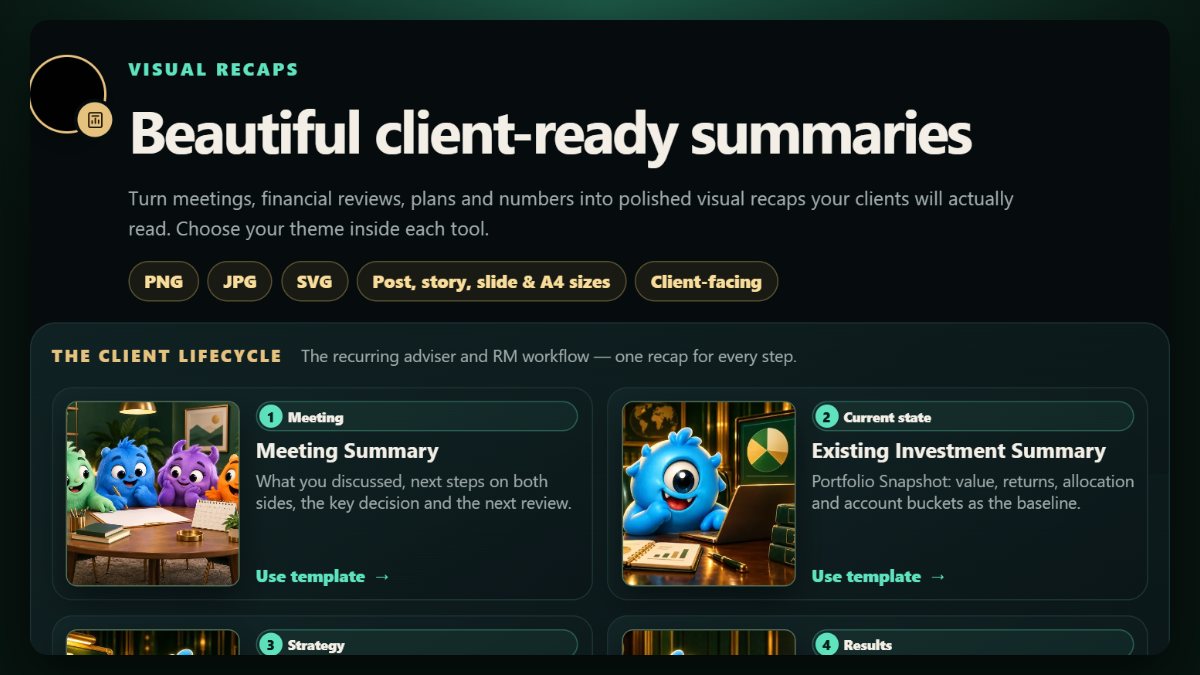
Advisers explain a great deal in meetings: portfolio moves, retirement projections, gaps in protection, estate documents. Clients remember a fraction of it. A one-page visual recap, sent after the meeting, is the simplest way to change that: it confirms what was said, shows the few numbers that matter, and gives the client something to share with a partner.
Below are twelve recap templates for the conversations advisers and bank relationship managers have most often. Each one is a free generator on CREATEFOR.YOU: you type the details, pick a theme and size, and export a PNG, JPG or SVG, with the content staying in your browser.
Key takeaways
- One recap per conversation, sent within a day, beats a long report sent a month later.
- Show three to five numbers, not thirty.
- Use initials, never identity, policy or account numbers.
- A recap records the conversation. Advice and disclosures stay in your firm's formal documents.
After every meeting
- Meeting Recap: what you discussed, next steps on both sides, and the next review date. The one to send after every meeting.
- Needs Analysis Summary: the client's needs, the gaps found, the solutions discussed and the agreed actions. It records; it does not recommend.
Investments
- Portfolio Snapshot: value, returns, allocation and account buckets on one page.
- Month-End Portfolio Review: a month of value, returns against benchmark, allocation, liquidity and credit.
Retirement and goals
- Retirement Snapshot: target retirement income against CPF LIFE, dividends, annuities and other sources.
- Milestone Funding: progress towards property, education, wedding or business goals, with the remaining gap.
- Plan Journey: a plan's value by age, with milestones, withdrawals and payouts on one illustrated chart.
Protection
- Protection Review: existing life, critical illness and disability cover against the targets you set.
- Insurance 101: protection priorities, why each matters and the suggested cover, in your own columns.
- Policy Comparison: two policies side by side, with every change marked better or worse.
Tax, estate and business clients
- Tax Relief Summary: CPF top-ups, SRS contributions and relief items against the 31 December deadline.
- Estate Planning Checklist: will, Lasting Power of Attorney, CPF and insurance nominations, trusts and beneficiaries.
- Business Banking Snapshot: a business client's cash, working capital, loans, facilities and continuity items.
Habits that make recaps work
- Send within 24 hours. The meeting is still fresh for both of you.
- Put actions on both sides. "Your next steps" and "our next steps", each with a date.
- Use the same theme every time. Clients start to recognise your recaps, which builds trust.
- Keep your brand consistent. Save your name, contact line and theme as a template so every recap starts the same way.
- Check for personal details before sending. Recaps get forwarded.
Frequently asked questions
Can I add my own name and contact details?
Yes. Each generator has fields for your name, role and contact line, and a signed-in account can save them as a reusable template.
Are clients' details stored?
The recaps are made in your browser, and the content of an export is not stored on the server. See privacy and security for exactly what is and is not kept.
Do these replace compliance documents?
No. They summarise a conversation for the client. Your firm's fact-finds, recommendations and disclosures remain the formal record. In Singapore and many other markets, representatives of licensed financial advisers, insurers and banks may only send client-facing material their firm permits, so check with your compliance team before using any recap outside your firm's approved templates.